Have you ever encountered this situation?
Sometimes you want to watch TV series or movies, but you only have an iPhone or iPad. Although you can watch the content on a small screen, the experience is far from satisfying.
Going to a movie theater is another option, but it comes with limitations. You can only watch one specific movie, and if you want to see another, you need to buy another ticket.
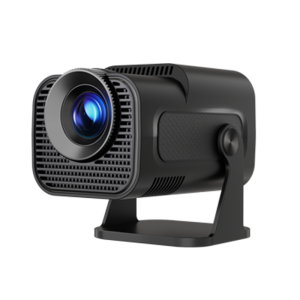
However, if you have a portable projector, all these problems can be solved. By connecting your iPhone or iPad to a portable projector, you can project your favorite TV series or movies onto a large screen and freely choose what to watch. You can even enjoy a cinema-like experience at home.
What’s more, a portable projector can be used without Wi-Fi. If the projector has a USB interface and you have downloaded movies or videos onto a USB drive, you can play them directly.
From this, we can see that portable projectors support multiple connection methods.
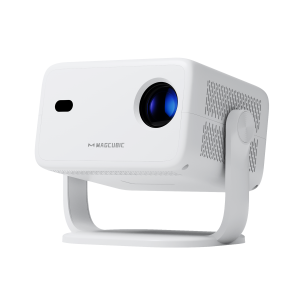
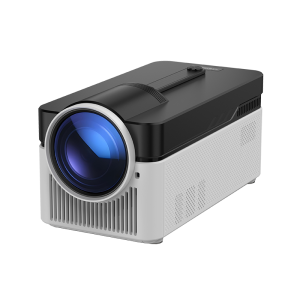
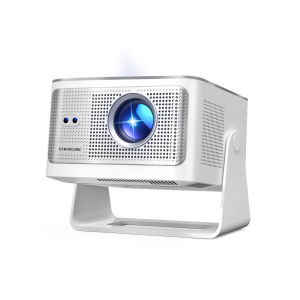
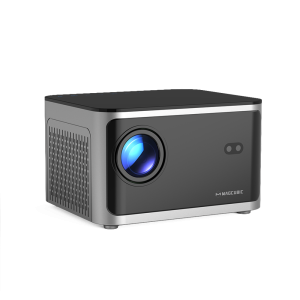
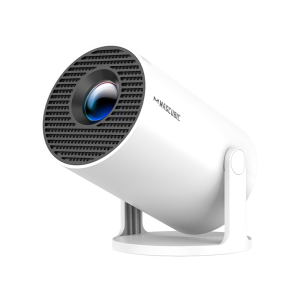
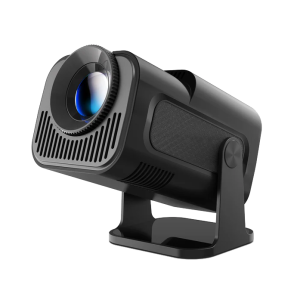
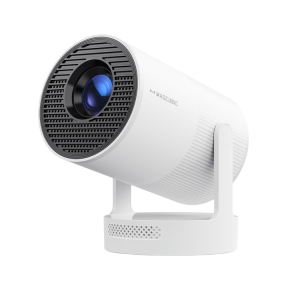
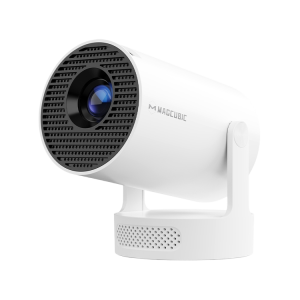
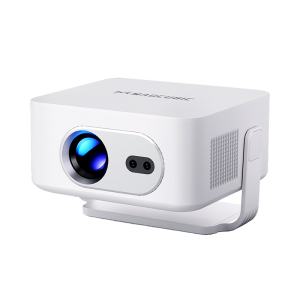
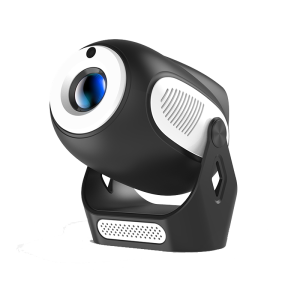
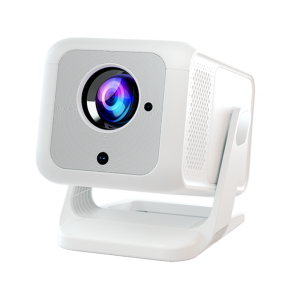
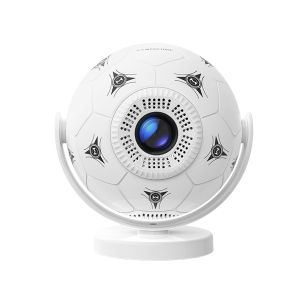
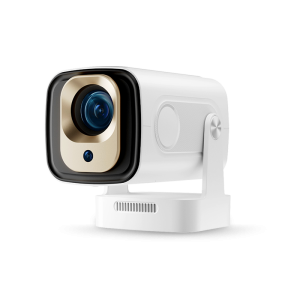
Using the Magcubic projector as an example, let’s explore the different connection methods of a portable projector.
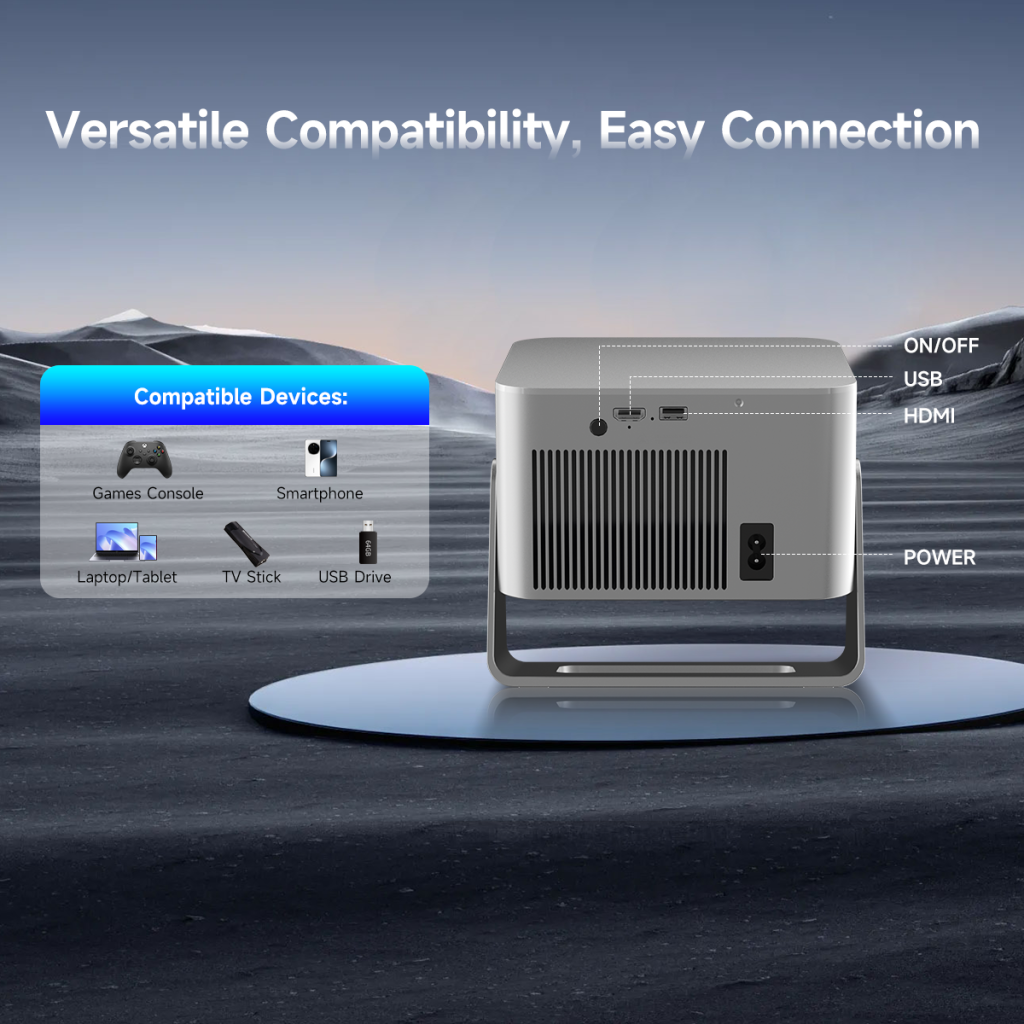
The HDMI interface, short for High-Definition Multimedia Interface, is designed to transmit high-definition video and audio simultaneously. In simple terms, HDMI allows both video and sound to be delivered through a single cable, eliminating the need for an additional audio cable.
Common usage scenarios:
For projectors, the HDMI interface is one of the most basic, reliable, and user-friendly connection methods.
Note:
As a wired connection method, HDMI has limitations related to cable length and interface compatibility, which should be considered during setup.
The USB interface is mainly used for reading stored content, connecting external devices, or supplying power. However, it is generally not used for direct video transmission.
Common usage scenarios:
By inserting a USB drive directly into the projector, you can play:
⚠ USB ports cannot be used to connect a computer for screen mirroring.
The USB interface can supply power to:
This reduces the need for additional power adapters and keeps the setup clean and simple.
Insert a USB drive containing the update file
Perform local system or firmware updates
Important Notes:
⚠ USB ports cannot be used for direct screen mirroring
✔ For screen mirroring, use HDMI or wireless casting
✔ USB is best suited for offline playback and extended functionality
The AV interface is a traditional analog audio and video interface, mainly used to connect legacy devices such as DVD players or older set-top boxes. Its primary function is to transmit analog video signals and analog audio signals.
Common usage scenarios:
The AV interface ensures compatibility with older equipment, making it a useful backup option.
DLNA, short for Digital Living Network Alliance, is a protocol for wireless media sharing. Unlike screen mirroring technologies, DLNA does not mirror the entire screen. Instead, it streams media files such as videos, music, and images.
It works more like a media sharing assistant, allowing content to be pushed from a mobile device to the projector for playback.
Bluetooth is another commonly used connection method in portable projectors. It mainly supports pairing with smartphones or other Bluetooth-enabled devices.
Primary use:
Audio output to external speakers or headphones
Advantages:
Reduces cable clutter
Easy to pair
Note:
Bluetooth is typically not suitable for screen mirroring and is mainly used for audio transmission.
Built-in apps refer to applications integrated into the projector’s operating system, allowing users to stream content directly without external devices. Common examples include YouTube and other streaming platforms.
Some projectors support wireless screen mirroring through official apps.
Advantages:
Simple operation
Good device compatibility
Note:
Some features require the projector and mobile device to be connected to the same Wi-Fi network.
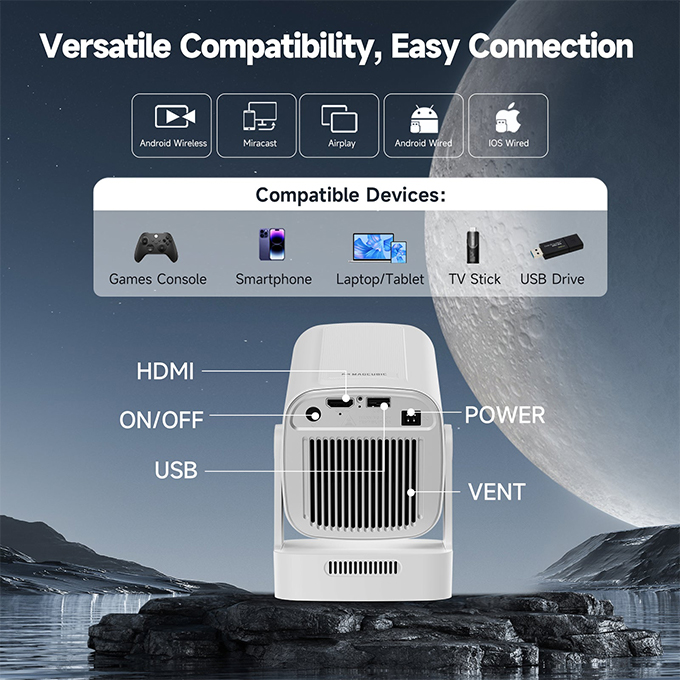
The wide range of connection options available in portable projectors allows them to adapt to various usage scenarios. This multi-scenario functionality enhances their versatility, enabling portable projectors to deliver features commonly found in traditional home or commercial projectors. As a result, true portability brings real convenience and flexibility to everyday entertainment.






 United States Dollar ($)