
Are Smart Projectors Worth Buying?
Short answer: For most home users, a smart projector is the better choice because it combines projection hardware with built-in streaming systems, wireless connectivity, and automatic setup features. Traditional projectors still make sense for professional environments where maximum brightness, advanced calibration, or external devices are preferred.
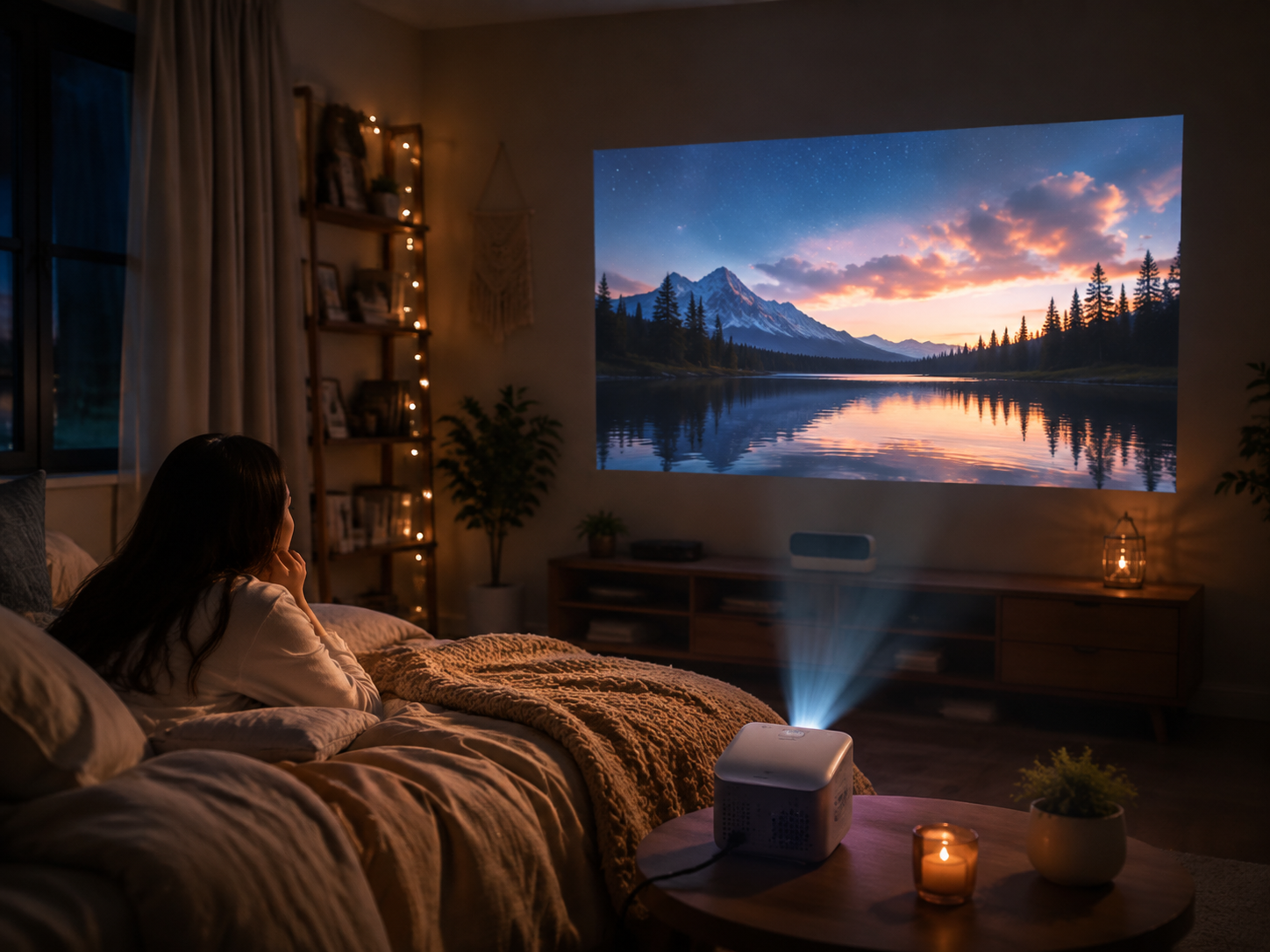
For bedrooms, apartments, gaming rooms, outdoor movie nights, and casual home theaters, a smart projector provides a simpler all-in-one entertainment experience with fewer accessories and easier setup.
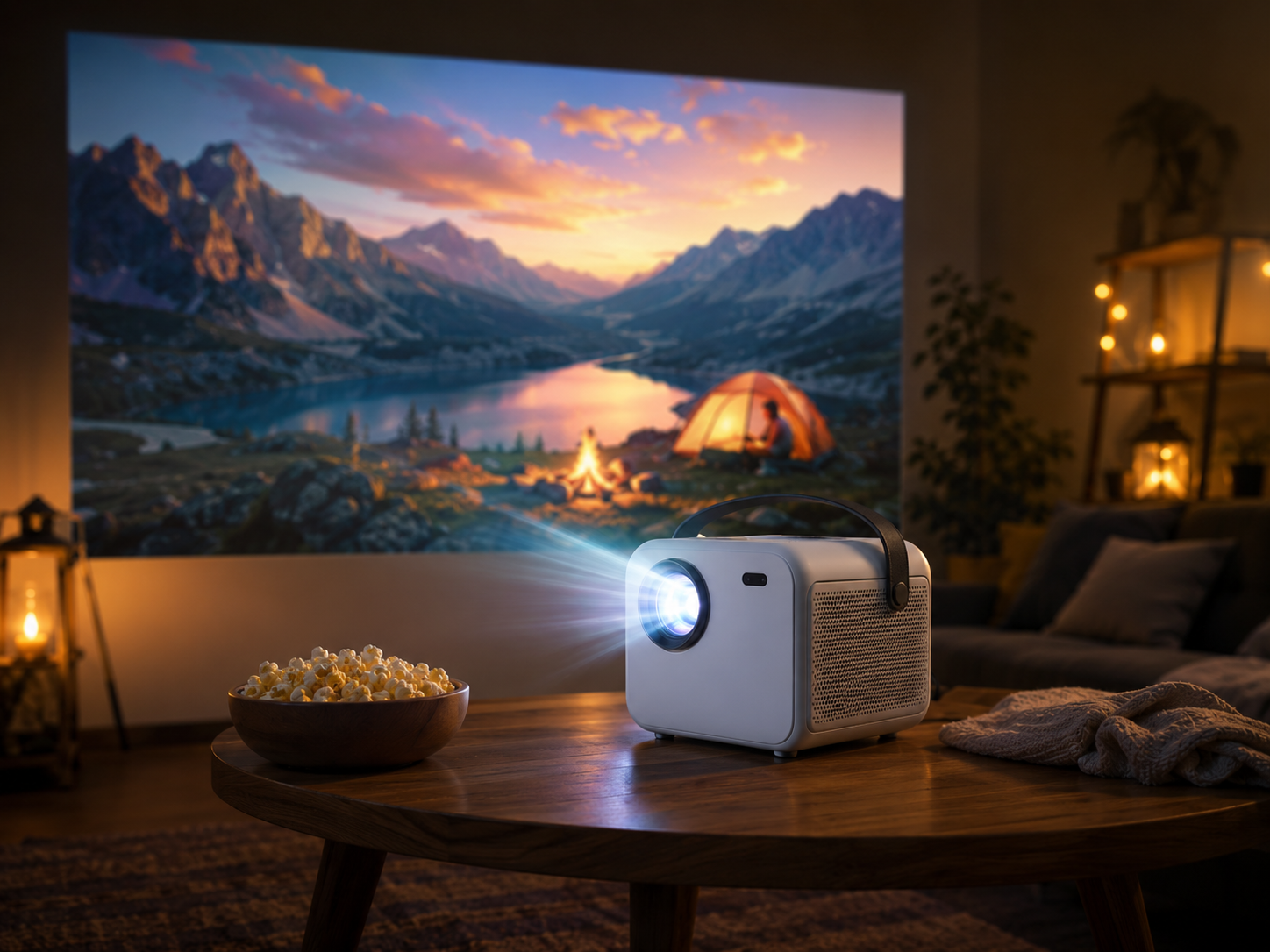
Modern smart projectors such as Magcubic HY450 Max combine native 1080P resolution, high brightness LED engines, Android-based smart systems, WiFi 6, Bluetooth connectivity, and automatic keystone correction, making large-screen entertainment more accessible for everyday users.
Smart Projector vs Traditional Projector: Key Differences
The biggest difference between smart projectors and traditional projectors is whether the projector includes built-in smart features.
A traditional projector mainly works as a display device. Users need additional devices such as:
· Streaming sticks
· TV boxes
· HDMI media players
· External speakers
A smart projector integrates these functions directly into the projector, allowing users to stream content, mirror devices, connect Bluetooth speakers, and adjust projection settings without additional hardware.
Quick Comparison
|
Feature |
Smart Projector |
Traditional Projector |
|
Built-in Operating System |
Yes |
Usually No |
|
Netflix/Streaming Support |
Built-in or app-based |
Requires external device |
|
WiFi Connection |
Built-in |
Usually requires adapter |
|
Bluetooth Audio |
Common |
Less common |
|
Setup Difficulty |
Easy |
Requires more accessories |
|
Portability |
Higher |
Usually larger |
|
Upgrade Flexibility |
Limited by OS hardware |
Higher with external devices |
|
Best For |
Home entertainment |
Professional use |
Smart Projector Advantages: Why More People Choose Smart Models
1. All-in-One Entertainment Setup
A smart projector replaces multiple devices by combining:
· Display system
· Streaming platform
· Wireless connectivity
· Audio connection
· Basic image adjustment
Instead of connecting a projector, streaming box, HDMI cable, and speakers separately, users can start watching content directly after powering on.
For example, a smart projector with Android OS allows users to access:
· YouTube
· Streaming applications
· Online videos
· Local media playback
· Screen mirroring
This makes smart projectors especially suitable for bedrooms, apartments, and family entertainment spaces.
2. Easier Installation and Daily Use
Traditional projectors often require manual adjustment:
· Focus adjustment
· Keystone correction
· Input switching
· External device setup
Modern smart projectors reduce installation complexity through automatic features.
Common smart projector features include:
|
Feature |
Benefit |
|
Auto Focus |
Quickly adjusts image sharpness |
|
Auto Keystone Correction |
Corrects tilted projection angles |
|
WiFi 6 |
Faster wireless streaming |
|
Bluetooth 5.4 |
Connects speakers and headphones |
|
Screen Mirroring |
Displays smartphone content wirelessly |
These features make smart projectors more beginner-friendly.
Data Comparison: Smart Projector vs Traditional Projector
Based on typical home projector configurations:
|
Category |
Smart Projector |
Traditional Projector |
|
Setup Time |
1–5 minutes |
10–30 minutes |
|
Required Accessories |
Minimal |
Streaming device + cables |
|
Connection Methods |
WiFi / Bluetooth / HDMI |
Mainly HDMI |
|
Suitable Screen Size |
50–200 inches |
80–300+ inches |
|
Portability |
Compact models available |
Usually heavier |
|
Maintenance |
Simple home use |
More professional maintenance |
For users who mainly watch movies, TV shows, sports, and online content, smart projectors provide a more convenient experience.
Smart Projector vs Traditional Projector: Performance Comparison
Image Quality
Image quality depends more on the projector's hardware than whether it is smart or traditional.
Important specifications include:
· Native resolution
· Brightness (ANSI lumens)
· Contrast ratio
· Color performance
· Projection technology
A high-quality smart projector can provide image performance comparable to many traditional home projectors.
For example:
Magcubic HY450 Max features:
|
Specification |
Details |
|
Native Resolution |
1080P |
|
Brightness |
1100 ANSI Lumens |
|
Operating System |
Android 14 |
|
Wireless Connection |
WiFi 6 |
|
Bluetooth |
BT 5.4 |
|
Supported Input |
HDMI / USB |
|
Recommended Screen Size |
80–150 inches |
These specifications are designed for bedrooms, living rooms, and indoor movie setups.
When Should You Buy a Smart Projector?
A smart projector is recommended if you:
Watch Streaming Content Frequently
If your main usage includes:
· Netflix
· YouTube
· Disney+
· Prime Video
· Online movies
a smart projector reduces the need for extra streaming hardware.
Want a Bedroom Movie Setup
Bedrooms usually have:
· Limited space
· Controlled lighting
· Smaller viewing distance
A compact smart projector is ideal because it provides:
· Large screen experience
· Simple installation
· Wireless connection
Recommended setup:
|
Room Type |
Recommended Screen Size |
Brightness |
|
Bedroom |
60–120 inches |
300–800 ANSI lumens |
|
Apartment Living Room |
80–150 inches |
700–1200 ANSI lumens |
|
Outdoor Night Use |
100–200 inches |
1000+ ANSI lumens |
Need Portable Entertainment
Smart projectors are popular for:
· Camping
· Backyard movie nights
· Dorm rooms
· Travel
Because they combine projection and smart functions in one device.
When Should You Buy a Traditional Projector?
Traditional projectors may be better for:
Professional Presentation
Business users may prefer traditional projectors because they often need:
· Higher brightness
· Multiple input options
· Long operating hours
Dedicated Home Theater Rooms
Users building advanced theaters may prefer traditional projectors paired with:
· AV receivers
· External media players
· Professional sound systems
The ability to upgrade individual components can provide more flexibility.
Smart Projector vs Traditional Projector: Which One Should You Buy?
Choose a Smart Projector If You Want:
✅ Easy setup
✅ Built-in streaming
✅ Wireless connection
✅ Bedroom or apartment entertainment
✅ Portable design
✅ Movie nights without extra devices
Choose a Traditional Projector If You Want:
✅ Professional presentations
✅ Maximum customization
✅ External AV systems
✅ Dedicated theater installation
For most consumers in 2026, smart projectors offer better overall value because they combine convenience, connectivity, and large-screen entertainment in one device.
Recommended Smart Projector Setup by Usage Scenario
|
Usage Scenario |
Recommended Features |
|
Bedroom Movies |
1080P resolution, auto focus, quiet operation |
|
Small Apartment |
Compact design, 700+ ANSI brightness |
|
Gaming |
Low input lag, HDMI connection |
|
Outdoor Movies |
1000+ ANSI brightness, Bluetooth audio |
|
Family Entertainment |
Android system, wireless streaming |
FAQ: Smart Projector Buying Questions
Are smart projectors worth buying?
Yes. Smart projectors are worth buying for most home users because they eliminate the need for additional streaming devices and provide easier wireless connectivity.
For everyday entertainment, a smart projector offers better convenience and value compared with a traditional projector.
Do smart projectors replace TVs?
Smart projectors can replace TVs for users who prioritize large screen size and flexible placement.
A projector can create a 100–150 inch display, while a TV of similar size is significantly more expensive and less portable.
Do smart projectors support Netflix?
Smart projector Netflix support depends on certification and software compatibility.
Some models use official certified systems, while others require external streaming devices for full Netflix functionality.
Are smart projectors good for bedrooms?
Yes. Smart projectors are especially suitable for bedrooms because they provide:
· Large images in small spaces
· Wireless operation
· Quiet entertainment
· Flexible placement
Do smart projectors need WiFi?
WiFi is not always required. Smart projectors can usually play local files through USB or HDMI devices, but WiFi enables online streaming and wireless screen mirroring.
Is a smart projector better than a TV?
It depends on your priority:
|
Choose Projector |
Choose TV |
|
Want a 100+ inch screen |
Want maximum brightness |
|
Limited space |
Daily news watching |
|
Movie-focused usage |
Bright room viewing |
|
Portable entertainment |
Permanent installation |
Final Verdict: Smart Projector or Traditional Projector?
For most households, a smart projector is the better choice in 2026.
The combination of:
· Built-in smart system
· Wireless connectivity
· Easy setup
· Large-screen capability
· Affordable pricing
makes smart projectors ideal for modern home entertainment.
Traditional projectors remain valuable for professional and high-end theater environments, but for bedrooms, apartments, and casual movie watching, a smart projector delivers the best balance of performance and convenience.