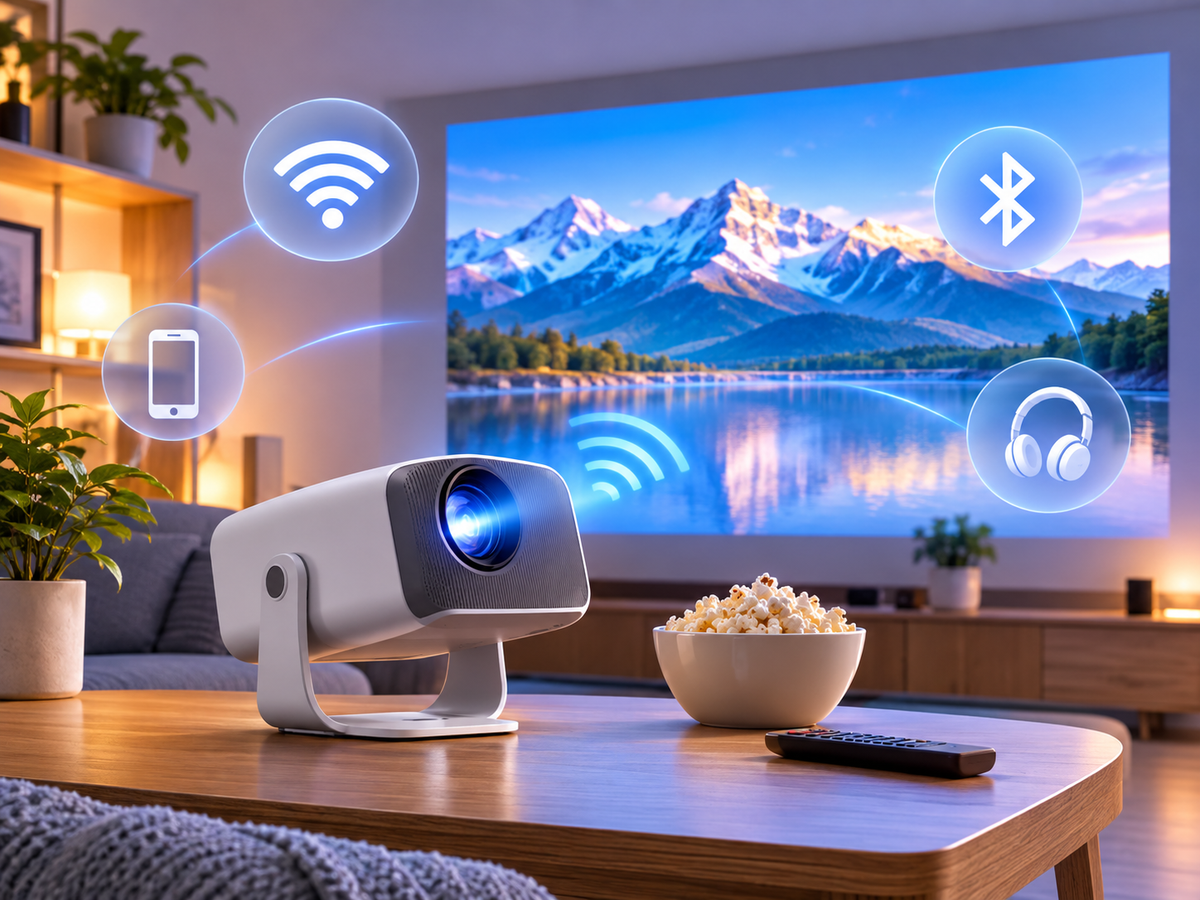

A home theater projector makes it possible to enjoy a big-screen entertainment experience in your living room, bedroom, or dedicated media space. But how do you choose the right one? The most important factors are brightness, native resolution, autofocus, smart operating system, and projection distance.
The best home theater projector depends on your room size, lighting conditions, viewing habits, and budget. For most home users, a native 1080P projector with suitable ANSI brightness, automatic image adjustment, and convenient smart features offers a practical balance between image quality and affordability.
This guide explains what to look for in a home theater projector and how to choose the right Magcubic model for your space.
1. What Features Matter Most in a Home Theater Projector?
Before choosing a projector, understand the specifications that directly affect your viewing experience.
Brightness: How Many ANSI Lumens Do You Need?
Brightness determines how clearly projected images appear under different lighting conditions. ANSI lumens provide a standardized reference for comparing projector brightness.
|
Viewing Environment |
Brightness Consideration |
|
Dark bedroom |
Moderate brightness for comfortable viewing |
|
Dim living room |
Higher brightness for a clearer image |
|
Living room with ambient light |
Prioritize higher ANSI brightness and light control |
|
Large-screen home theater |
Consider brightness alongside screen size and contrast |
A darker room generally produces better perceived contrast. Even a high-brightness projector may struggle to maintain image contrast under strong ambient light.
Always compare ANSI lumens rather than relying on unspecified advertised lumen figures.
Native Resolution: Is 1080P Enough?
Native resolution determines the actual number of pixels displayed.
· Native 720P: Suitable for entry-level entertainment and smaller projections.
· Native 1080P: Provides Full HD detail and is a practical choice for movies, TV shows, and everyday home theater use.
· Native 4K: Offers greater image detail for viewers who prioritize high-resolution content and large screens.
One important distinction: 4K video decoding support does not mean a projector has native 4K resolution. Check the native display resolution before purchasing.
Autofocus and Auto Keystone: Simplify Installation
Autofocus automatically adjusts image sharpness, reducing the need for manual adjustments.
Auto keystone correction helps correct trapezoidal distortion when a projector is positioned at an angle. Some advanced image adjustment systems also provide screen adaptation and obstacle avoidance.
These functions are particularly useful for bedrooms, apartments, and flexible home entertainment spaces.
Smart System and Wireless Connectivity
A smart projector provides access to supported entertainment applications and other digital content.
When comparing smart features, consider:
· Operating system and available applications
· Wi-Fi connectivity and network stability
· Bluetooth audio connectivity
· HDMI and USB connections
· Compatibility with external streaming devices
Remember that app availability and streaming quality depend on software compatibility and individual service requirements.
2. Which Magcubic Home Theater Projector Should You Choose?
Magcubic offers several home projector options designed for different budgets, room conditions, and entertainment needs.
|
Model |
Native Resolution |
Brightness |
Recommended Use |
|
HY350 Max |
1080P |
600 ANSI |
Budget home theater |
|
M800 Pro |
1080P |
1,200 ANSI |
Upgraded home entertainment |
|
M800 GT |
1080P |
1,200 ANSI |
Smart home theater |
|
HY450 Max |
1080P |
1,100 ANSI |
Flexible living-room viewing |
Magcubic HY350 Max: Best for Budget Home Theater
The HY350 Max is a practical starting point for users building their first home theater.
Key features include:
· Native 1080P Full HD resolution
· 600 ANSI lumens brightness
· Android 14 smart system
· Autofocus and automatic keystone correction
· Wi-Fi and Bluetooth connectivity
· Up to 135-inch projection size
It is particularly suitable for dark bedrooms and dim viewing environments where affordability and convenient setup are important.
Magcubic M800 Pro: Best for Upgraded Home Entertainment
The M800 Pro is designed for users who want stronger brightness and more convenient installation.
Key features include:
· Native 1080P Full HD resolution
· 1,200 ANSI lumens brightness
· Fully enclosed optical engine
· Android 14 smart system
· Autofocus and 6D keystone correction
· Screen adaptation and obstacle avoidance
· 180° rotatable design
Its enclosed optical design helps reduce dust exposure to internal optical components, making it a practical option for regular home entertainment.
Magcubic M800 GT: Best for Integrated Smart Entertainment
The M800 GT combines Full HD projection with an integrated smart entertainment experience.
Its main features include native 1080P resolution, 1,200 ANSI lumens, a sealed optical engine, Google TV, Android 14, and automatic image adjustment.
It is suitable for users who want convenient access to supported entertainment applications without relying entirely on external streaming devices.
3. How to Choose a Projector for Different Home Spaces
The best projector for a bedroom may not be the best choice for a living room. Consider the following scenarios.
Bedroom Home Theater
For bedroom viewing, prioritize quiet operation, flexible placement, autofocus, and a suitable projection size. A compact projector can also support ceiling projection for comfortable movie watching in bed.
Living Room Home Theater
Living rooms often have more ambient light than bedrooms. Choose a projector with higher measured brightness and consider curtains or a suitable projection screen to improve contrast.
The M800 series is worth considering for users who want a brighter Full HD home entertainment setup.
Small Apartment or Limited Space
When projection distance is limited, pay attention to the throw ratio. A short-throw projector can create a larger image from a shorter distance.
Also consider automatic image adjustment if you frequently move your projector between different positions.
Dedicated Home Theater Room
For a dedicated dark room, prioritize native resolution, contrast, color performance, screen size, and installation flexibility. Native 1080P provides a practical Full HD experience, while native 4K is an option for viewers seeking additional detail.
4. How to Set Up Your Home Theater Projector
A few simple steps can significantly improve your viewing experience.
1. Choose the right screen size: Start with a screen size that suits your viewing distance.
2. Measure projection distance: Check the projector's throw ratio and recommended distance.
3. Control ambient light: Close curtains or dim the lights to improve contrast.
4. Position the projector correctly: Keep the lens as close to perpendicular to the screen as possible.
5. Adjust focus and keystone: Use automatic correction and make final adjustments if necessary.
6. Optimize audio: Connect external speakers through supported Bluetooth or audio connections if you want a more immersive experience.
5. Frequently Asked Questions
What is the best home theater projector for everyday use?
A native 1080P projector with suitable ANSI brightness, autofocus, and smart functionality is a practical choice for everyday home entertainment. The ideal model depends on your room lighting and budget.
Is 1080P good enough for a home theater projector?
Yes. Native 1080P provides Full HD image quality and is sufficient for many bedroom and living-room home theater setups. Native 4K is worth considering if higher image detail is a priority.
How many ANSI lumens do I need for a home theater?
The required brightness depends on room lighting and screen size. Dark rooms can work with moderate brightness, while living rooms with ambient light generally require higher measured brightness.
Are autofocus and auto keystone important?
They are useful convenience features, especially when a projector is moved frequently or installed in a space with limited positioning options. However, correct physical alignment still helps achieve the best image quality.
Can I use a projector instead of a TV?
Yes. A home theater projector can provide a much larger screen than most televisions. However, it works best when ambient light is controlled, and you should consider projection distance and audio requirements before choosing one.
Which Magcubic projector is best for a home theater?
The right model depends on your needs. The HY350 Max is a budget-friendly Full HD option, while the M800 Pro and M800 GT offer 1,200 ANSI lumens and additional home entertainment features.
Final Thoughts: Build Your Home Theater with the Right Projector
Choosing the right home theater projector is about finding the right balance between image quality, brightness, installation flexibility, and budget.
· For budget-conscious buyers: Magcubic HY350 Max offers accessible Full HD home entertainment.
· For brighter home viewing: Magcubic M800 Pro combines 1,200 ANSI lumens with a sealed optical engine and automatic image adjustment.
· For integrated smart entertainment: Magcubic M800 GT combines Full HD projection with an integrated smart system.
· For flexible living-room setups: Consider projection distance, screen size, and automatic image adjustment.
With the right projector and viewing environment, you can turn almost any room into a comfortable home theater.