


20% OFF >$100 — CODE: YEDDHBJ7 Shop Now
15% OFF <$100 — CODE: 58ASTUDH Shop Now
Sort By: Best Selling
  • Best Selling
  • ANSI
  • Resolution
Save $63.00

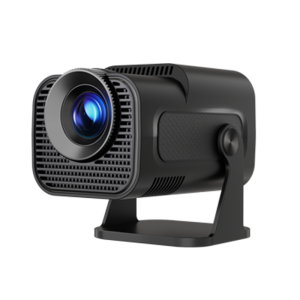
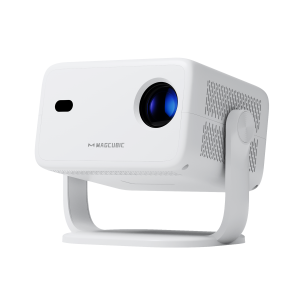
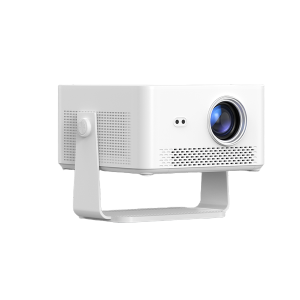
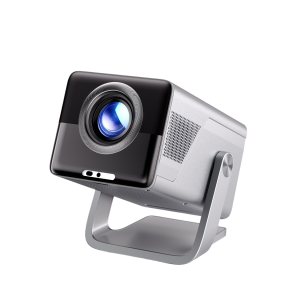
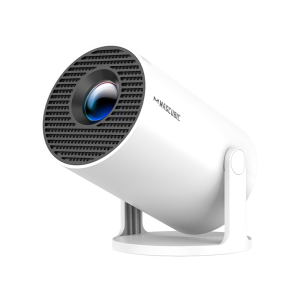
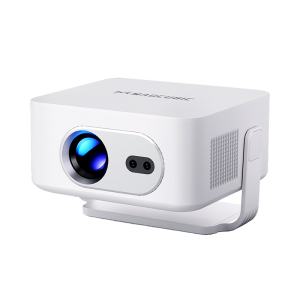
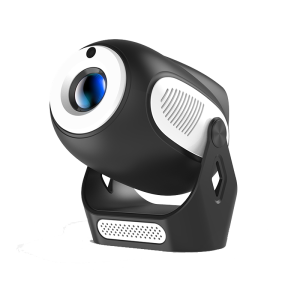
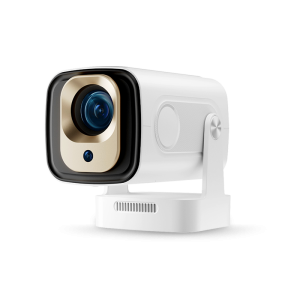
Magcubic HY320Mini
Native 720P | Portable 180° Rotable
$62.99 $125.99
Save $74.00
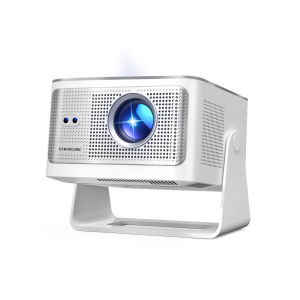
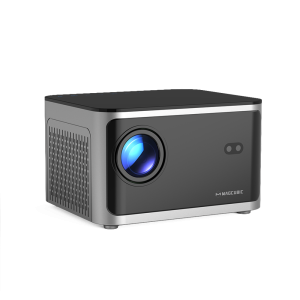
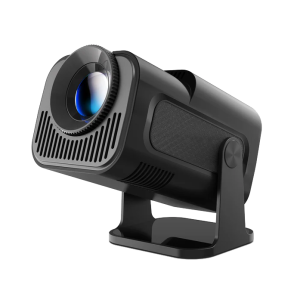
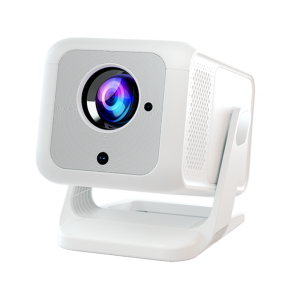
Magcubic HY310Mini
4K Support | Native 1080P
$73.99 $147.99
12 Month
Worry-Free
Enjoy comprehensive warranty protection with every purchase.
Fast & Free Shipping
Most orders arrive in 3–5 days in Europe and North America; Other regions take 5–15 days.
30 Day
Money Back
We offer a 30-day return policy for refunds or exchanges.
24 h
Support
We aim to respond to all inquiries within 24 hours on business days .
Feb. 5th - Apr. 30th
Spring Sale
New Model Launch Now X7 - HY450Max
What Should I Do If the Image is Tilted?
Try the following steps to see if they help: 1. Ensure the projector is properly aligned and that the lens is facing the screen directly. 2. Navigate to Settings > Projection settings > Keystone Correction > Initial angle correction. 3. If the above steps don’t resolve the issue, manually adjust the keystone correction by going to Settings > Projection settings > Keystone Correction > Turn Off Auto Keystone Correction > Manual Down keystonecorrection
What Should I Do If Manual Keystone Correction of L018NTV Doesn't Work?
What Should I Do If My App Crashes?
What Should I Do If My HDMI Has No Signal?
What Should I Do If My L018NTV is Unable to Power On?
What Should I Do If My L018 Has No Sound?
What Should I Do If the Image is Tilted?
What Should I Do If My App Crashes?
What Should I Do If My HDMI Has No Signal?
What Should I Do If My HY320NTV Projector Has No Sound?
Showing 1-10 of 60 FAQs

Shopping Cart