







What Should I Do If the Image is Tilted?
Try the following steps to see if they help:
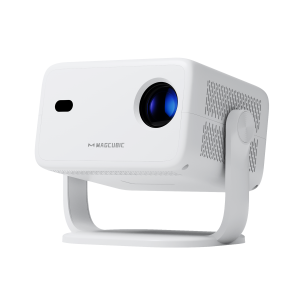
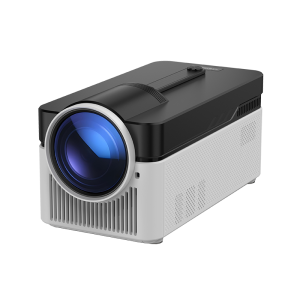
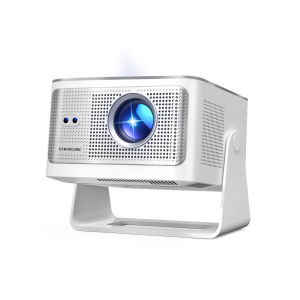
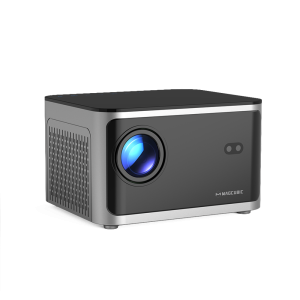
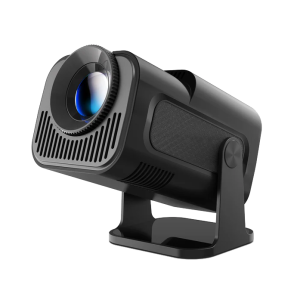
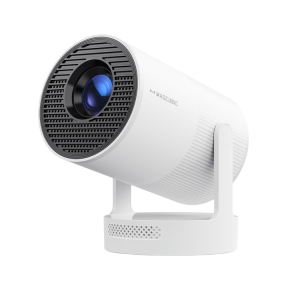
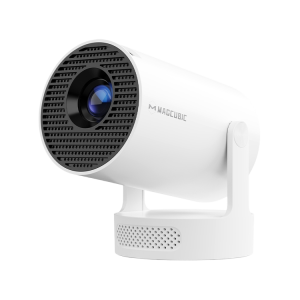
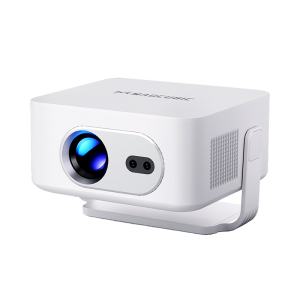
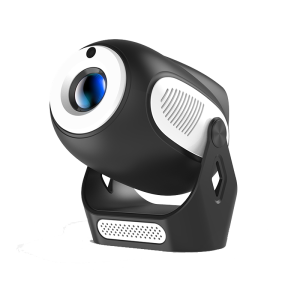
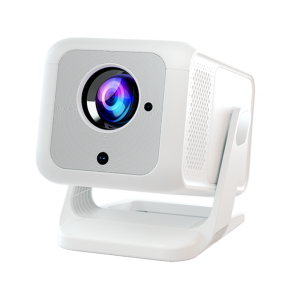
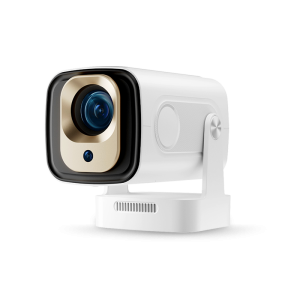
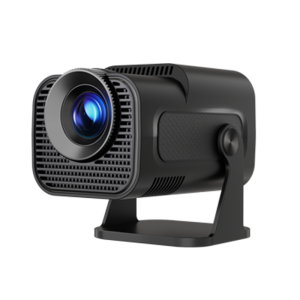
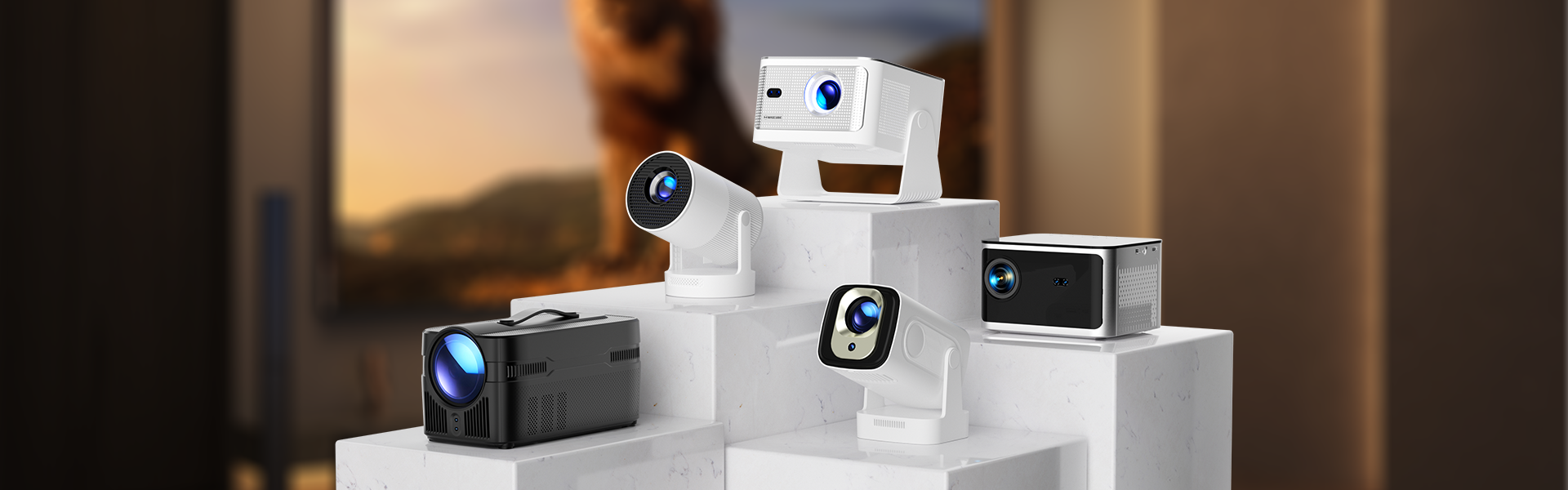
1. Ensure the projector is properly aligned and that the lens is facing the screen directly.
2. Navigate to Settings > Projection settings > Keystone Correction > Initial angle correction.
3. If the above steps don’t resolve the issue, manually adjust the keystone correction by going to Settings > Projection settings > Keystone Correction > Turn Off Auto Keystone Correction > Manual Down keystonecorrection