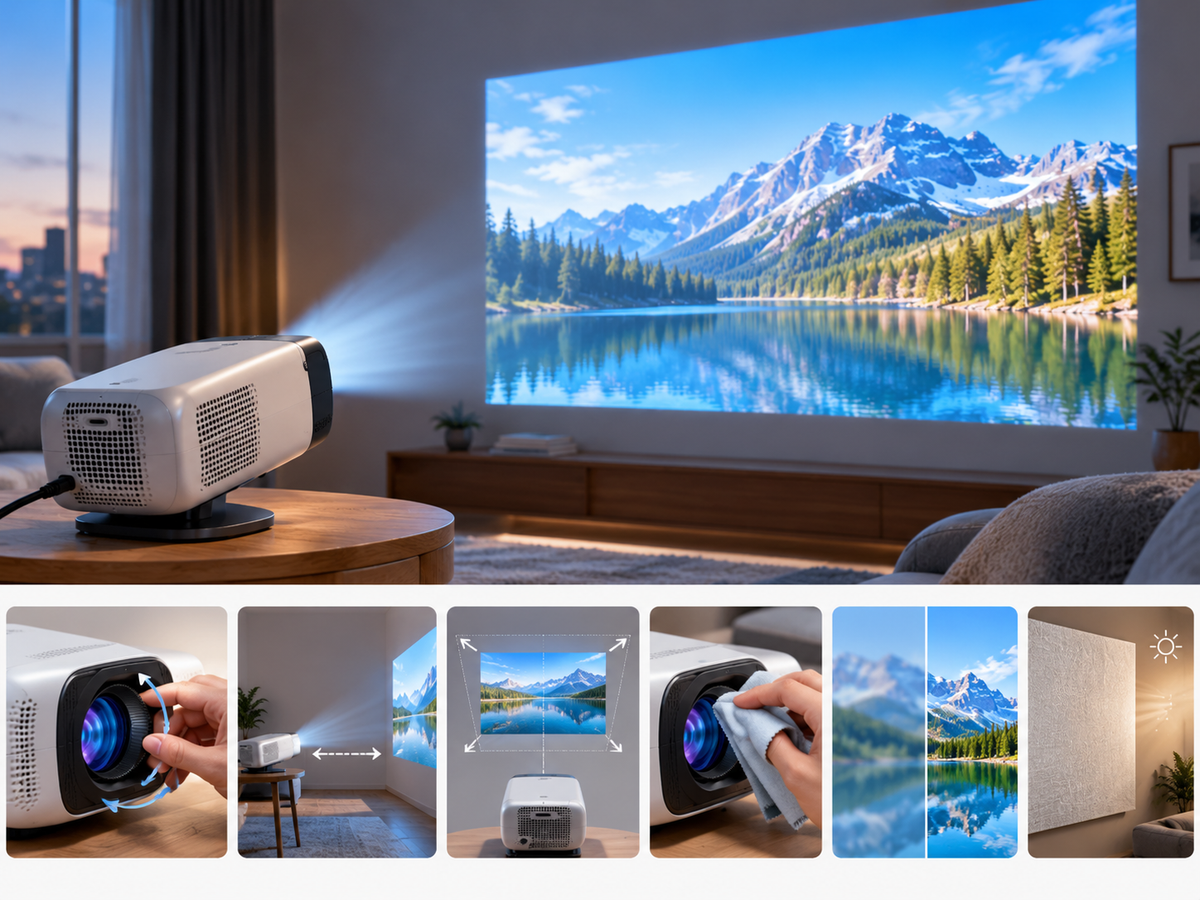

Is a 4K projector worth the extra money, or is a 1080p projector enough for your home theater? The answer depends on your screen size, viewing distance, content quality, and budget.
For most budget-conscious viewers watching movies in a bedroom or small living room, a native 1080p projector can deliver a satisfying big-screen experience. A 4K projector becomes more appealing when you want finer detail on a large screen, sit relatively close to the image, and regularly watch high-quality 4K content.
Before spending more on resolution, it helps to understand what 1080p and 4K actually offer—and when those extra pixels make a visible difference.
1. 1080p vs. 4K: What Is the Difference?
The main difference between 1080p and 4K is the number of pixels used to create an image.
· 1080p Full HD: 1,920 × 1,080 pixels, or approximately 2.07 million pixels.
· 4K UHD: 3,840 × 2,160 pixels, or approximately 8.29 million pixels.
4K UHD contains four times as many pixels as 1080p. This allows a 4K display system to reproduce finer details, provided the source material and projection system can deliver them.
For example, small text, hair, fabric textures, distant objects, and fine details in nature scenes may look more defined in 4K. The difference can be especially noticeable when viewing a large image from a relatively short distance.
However, four times the pixel count does not automatically mean four times the perceived sharpness. Human vision, image processing, lens quality, contrast, and viewing conditions all affect the final result.
Another important distinction is the difference between native resolution and supported input resolution.
A native 1080p projector may accept a higher-resolution video signal and process it for display. However, accepting or decoding a 4K signal does not mean the projector physically displays all 8.29 million pixels. Its native display resolution remains an important specification to check.
2. When Does 4K Actually Look Better?
The benefit of 4K depends heavily on how and where you watch.
Screen Size
The larger the projected image, the more noticeable individual pixels and fine-detail limitations can become.
On an 80-inch screen, the difference between good-quality 1080p and 4K may be subtle at a typical viewing distance. On a 120-inch or larger screen, 4K can provide a more noticeable improvement, particularly when viewers sit relatively close.
This does not mean every large projection requires 4K. A well-focused 1080p image can still look good on a large screen, especially when viewed from farther away.
Viewing Distance
Viewing distance determines how much detail your eyes can distinguish.
If you sit far from the screen, the individual pixels become less distinguishable, and the practical advantage of 4K decreases. If you sit closer, finer details become easier to see.
This is why two people can have different opinions about whether 4K is worth the money, even when comparing similar projectors.
Content Quality
Your source material matters, too.
A high-quality 4K movie can reveal details that may be lost when displayed at 1080p. But a low-resolution video, heavily compressed stream, or soft-looking source cannot magically gain genuine detail simply because it is played through a 4K projector.
For everyday streaming, casual viewing, and older movies, a good 1080p projector may be more than adequate.
3. Recommended Viewing Distance by Screen Size
There is no single ideal viewing distance for everyone. The following figures are practical starting points for comparing 1080p and 4K projection, not strict technical limits.
The distances below use screen width as a reference. They assume a standard 16:9 screen and are intended to help you decide whether additional resolution is likely to matter in your room.
|
Screen size |
Screen width |
1080p viewing distance |
4K viewing distance |
|
80 inches |
1.77 m |
2.7–3.5 m |
1.8–2.7 m |
|
100 inches |
2.21 m |
3.3–4.4 m |
2.2–3.3 m |
|
120 inches |
2.66 m |
4.0–5.3 m |
2.7–4.0 m |
|
150 inches |
3.32 m |
5.0–6.6 m |
3.3–5.0 m |
These ranges are simplified guidelines based on approximately 1.5–2 times the screen width for 1080p and 1–1.5 times the width for 4K. Individual preferences, eyesight, content, and screen quality can change the result.
How should you use this table?
If you plan to project a 100-inch image but sit about 4 meters away, 1080p may already provide a satisfying level of detail. If you want a 150-inch image and intend to sit much closer, 4K becomes more attractive.
The key is to consider screen size and viewing distance together instead of choosing resolution based on the specification alone.
4. Who Should Choose a 1080p Projector?
A 1080p projector is a sensible choice if you want a large image without spending your entire budget on resolution.
It is particularly suitable for:
Bedroom movie nights: When the viewing distance is relatively short but the screen size is moderate, Full HD can provide clear and enjoyable images for movies and TV shows.
Dorm rooms and small apartments: A compact projector that fits your available space may offer more practical value than paying extra for 4K resolution you may rarely notice.
Casual streaming: If you mainly watch online videos, sitcoms, everyday entertainment, or older movies, source quality may matter more than the difference between 1080p and 4K.
Budget-focused home theaters: Spending less on resolution may leave more room in your budget for a suitable screen, better room lighting control, or audio equipment.
When comparing budget projectors, do not evaluate resolution alone. Native resolution, actual brightness, focus performance, contrast, connectivity, and ease of setup all contribute to the viewing experience.
For example, Magcubic's projector range includes models designed around accessible home entertainment. Check the specifications of each model carefully to confirm its native resolution and supported features before buying.
5. Who Should Choose a 4K Projector?
A 4K projector is worth considering when image detail is a high priority and your viewing environment allows you to appreciate it.
Large-screen home theater enthusiasts: If you regularly watch movies on a 120-inch, 150-inch, or larger screen, 4K can help preserve fine detail across the enlarged image.
Close-up viewers: Sitting closer to a large screen makes resolution differences easier to perceive. If you prefer an immersive viewing position, 4K may be a worthwhile upgrade.
High-quality movie collectors and streamers: Viewers who regularly watch high-quality 4K movies and documentaries are more likely to benefit than those whose content is mostly low-resolution.
Detail-focused users: If you care about fine textures, small visual details, and the clean appearance of high-resolution footage, 4K may offer a more satisfying experience.
Before purchasing, check whether a projector uses native 4K imaging or another method to produce a 4K image. Also verify its brightness, contrast, optical performance, and compatibility with your content sources.
A higher-resolution specification alone does not guarantee a better overall picture.
6. What About Brightness, Contrast, and Image Quality?
Resolution is only one part of projector performance.
A 4K projector in a bright room may produce a less satisfying image than a well-positioned 1080p projector in a dark room. Ambient light can wash out blacks and reduce perceived contrast, making fine detail harder to appreciate.
Brightness matters because the projected image spreads across a large surface. Screen size, screen gain, room lighting, and viewing conditions all affect the final result.
Contrast also plays an important role. Better separation between bright and dark areas can make images appear more defined, even when the resolution is unchanged.
Focus and lens quality matter just as much. If the image is not properly focused, the extra detail provided by a higher-resolution source may not translate into visibly sharper results.
For a balanced purchase, consider these factors together:
· Resolution: How much fine detail can the system reproduce?
· Brightness: Is the image suitable for your room and screen size?
· Contrast: Can the projector reproduce convincing dark and bright areas?
· Optics and focus: Does the image remain clear across the screen?
· Content compatibility: Can your devices deliver the video formats you want to watch?
· Budget: Does the improvement justify the additional cost for your use case?
7. Is 4K Worth It on a Projector?
The answer depends on what you expect from your home entertainment setup.
Choose 1080p if you want an affordable big-screen experience, mostly watch casual content, or sit far enough away that additional resolution may be difficult to notice.
Choose 4K if you prioritize fine detail, use a large screen, sit relatively close, and regularly watch high-quality 4K content.
If you are unsure, start by measuring your viewing distance and deciding on your target screen size. Then compare the specifications and total cost of suitable projectors.
Remember that the best projector is not necessarily the one with the highest resolution. It is the one that delivers the image quality you can appreciate in your room, at a price that makes sense for your needs.
Frequently Asked Questions
Is 1080p good enough for a 100-inch projector screen?
Yes. A well-focused 1080p projector can look very good on a 100-inch screen, particularly when viewed from a suitable distance. The quality of the source, optics, contrast, and room conditions also affect the result.
Can you tell the difference between 1080p and 4K on a projector?
Yes, but not in every situation. The difference is generally easier to see on larger screens and at shorter viewing distances, especially with high-quality source material.
Does a projector that supports 4K have native 4K resolution?
Not necessarily. A projector may accept or decode 4K input while displaying the image at a lower native resolution. Check the manufacturer's native resolution specification rather than relying on the term “4K support” alone.
Is a 4K projector worth it for a bedroom?
It can be, particularly if you use a large screen, sit close to the image, and watch high-quality 4K content. For casual bedroom viewing, a good 1080p projector may offer better value.
Should I prioritize resolution or brightness?
Neither specification should be considered in isolation. Resolution affects fine detail, while brightness helps determine how visible and impactful the image will be under your viewing conditions. Choose a balance that suits your room, screen size, and budget.
Final Verdict
For many people, 1080p remains a practical choice for affordable home projection. It delivers Full HD detail without requiring a premium budget, making it suitable for bedrooms, dorms, and everyday entertainment.
4K is most compelling when you have a large screen, sit close enough to appreciate additional detail, and regularly watch high-quality 4K content.
Before upgrading, measure your viewing distance, choose your desired screen size, and compare native resolution alongside brightness, contrast, and optical performance. This approach helps you spend money on improvements you will actually notice.