



20% OFF >$100 — CODE: YEDDHBJ7 Shop Now
15% OFF <$100 — CODE: 58ASTUDH Shop Now
Sort By: Best Selling
  • Best Selling
  • ANSI
  • Resolution
Save $53.00
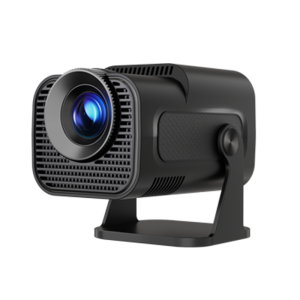
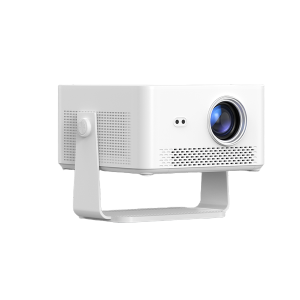
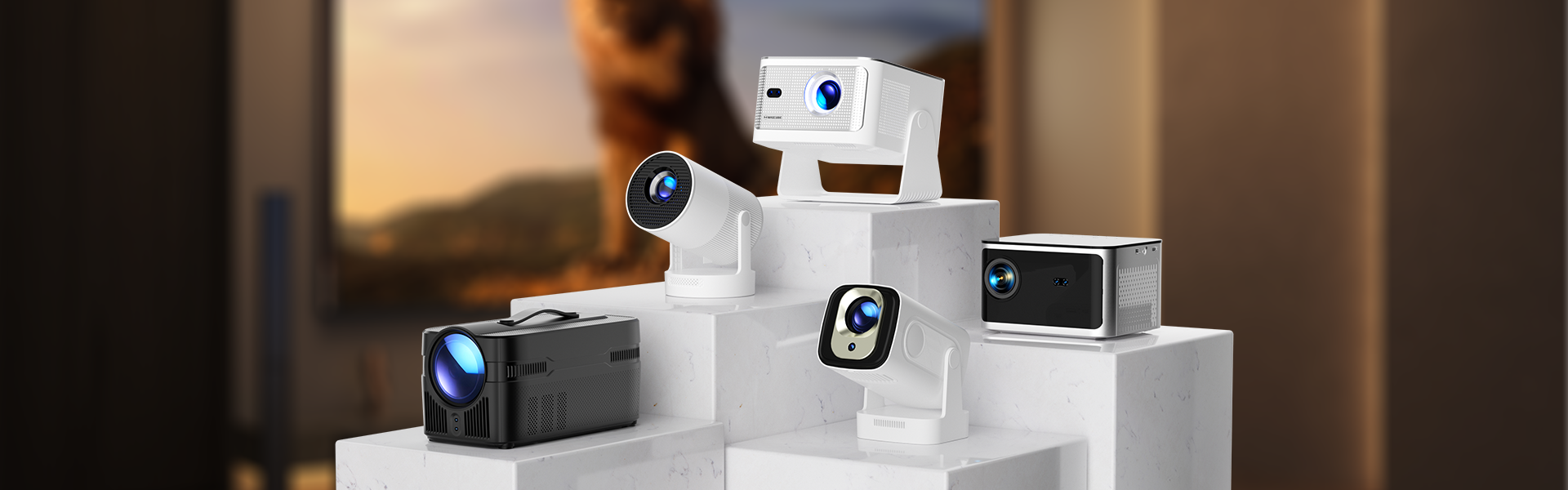
Magcubic HY300F
300 ANSI | 720P
$56.99 $109.99
Save $230.00
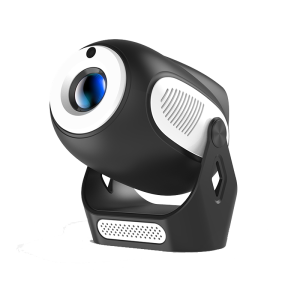
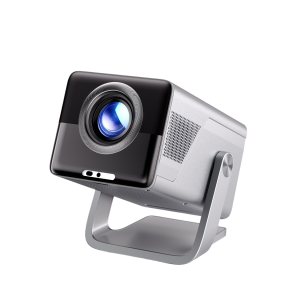
Magcubic X7
1000 ANSI | 1080P
$229.99 $459.99
Save $210.00
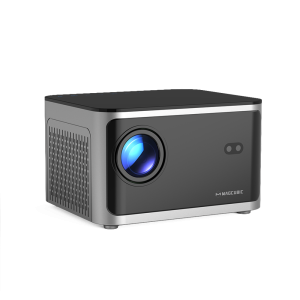
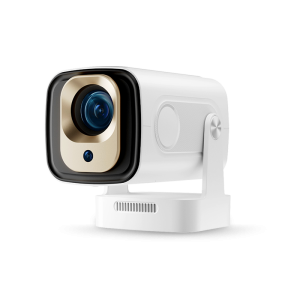
Magcubic HY450Max
1100 ANSI | 1080P
$259.99 $469.99
Save $210.00
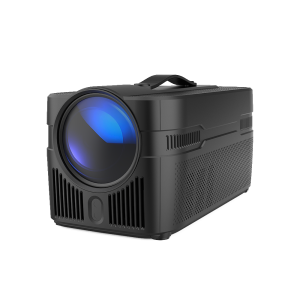
Magcubic HY450C
900ANSI | Auto Focus
$209.99 $419.99
Save $126.00
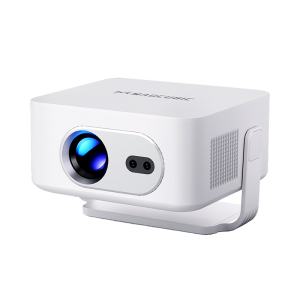
Magcubic HY350Pro
8K Decode | 580 ANSI
$125.99 $251.99
Save $137.00
Magcubic HY350Max
8K Support | Native 1080P
$136.99 $273.99
Save $185.00
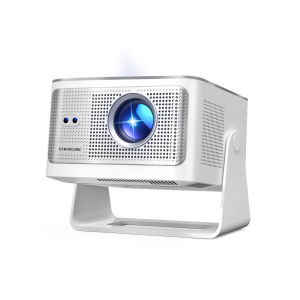
Magcubic HY450Ultra
8K Input | 800 ANSI
$184.99 $369.99
Save $63.00
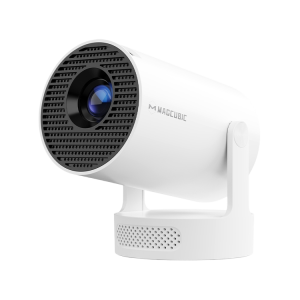
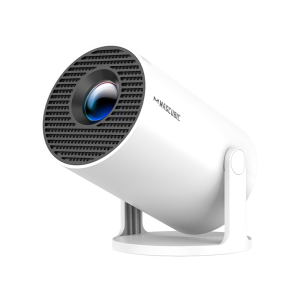
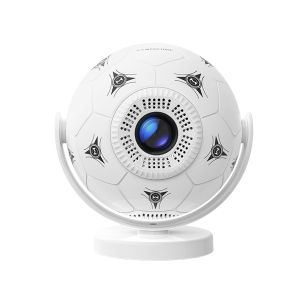
Magcubic HY320Mini
Native 720P | Portable 180° Rotable
$62.99 $125.99
Save $110.00
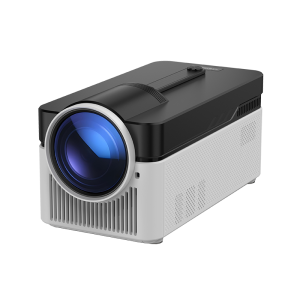
Magcubic L018
650 ANSI | Auto Focus
$109.99 $219.99
Save $100.00
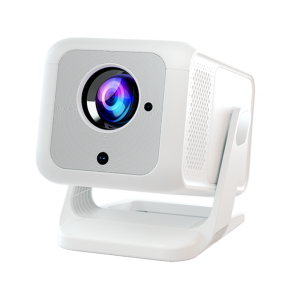
Magcubic HY310X
420 ANSI | Auto Focus
$99.99 $199.99
Save $80.00
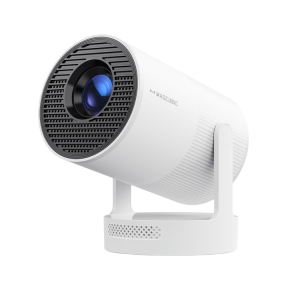
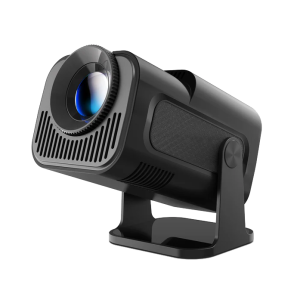
Magcubic HY300X
Native 720P | Portable 180° Rotable
$79.99 $159.99
Hot
Save $70.00

Magcubic HY300Max
8K Support | Native 720P
$69.99 $139.99
Save $63.00
Magcubic HY300Pro+
Native 720P | Portable 180° Rotable
$62.99 $125.99
Save $70.00

Magcubic HY300UItra
Native 720P | Portable 180° Rotable
$69.99 $139.99
Save $84.00
Magcubic HY320
4K Support | Native 1080P
$83.99 $167.99
Showing 1-15 of 20 products
12 Month
Worry-Free
Enjoy comprehensive warranty protection with every purchase.
Fast & Free Shipping
Most orders arrive in 3–5 days in Europe and North America; Other regions take 5–15 days.
30 Day
Money Back
We offer a 30-day return policy for refunds or exchanges.
24 h
Support
We aim to respond to all inquiries within 24 hours on business days .
Feb. 5th - Apr. 30th
Spring Sale
New Model Launch Now X7 - HY450Max
Why is the projector image not clear or out of focus?
If the image looks blurry or cannot be focused properly, please try the following steps: 1.Check the placement distance Make sure the projector is placed within the correct throw distance range of 0.6 to 2.5 meters. If it’s too close or too far, the image may not focus correctly. 2.Move the projector slightly Gently adjust the projector’s position (forward or backward) and see if the auto-focus feature improves the image clarity. 3.Update the projector to the latest version Make sure your projector is running the latest firmware version, as updates often include performance improvements for focusing。 4.Try manual focus Use the focus buttons on the remote control to manually adjust the focus. Check if the lens moves in or out when you do this — this helps confirm that the focusing mechanism is functioning properly. 5.Avoid reflective surfaces Avoid projecting onto shiny or reflective walls, as this can affect the camera’s ability to perform auto-focus. For the best viewing experience, we recommend using an anti-light (ALR) screen.
Why is the projector image not clear or out of focus?
What Should I Do If the Image is Tilted?
What Should I Do If My App Crashes?
Why is the projector image not clear or out of focus?
What Should I Do If My HDMI Has No Signal?
What Should I Do If My HY450C Has No Sound?
What Should I Do If the Image is Tilted?
What Should I Do If My App Crashes?
Showing 41-50 of 60 FAQs

Shopping Cart