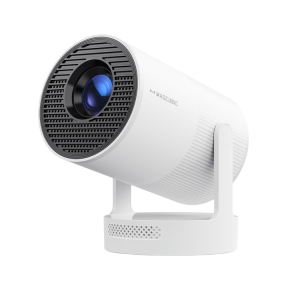
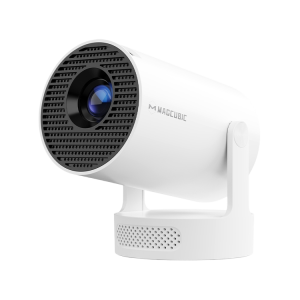
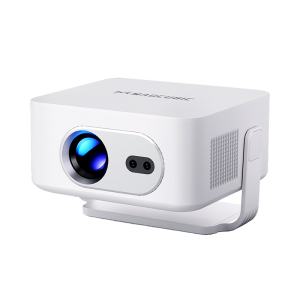
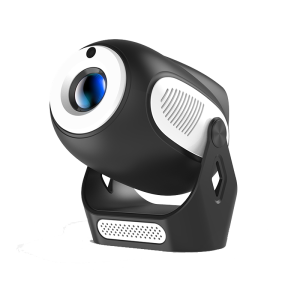
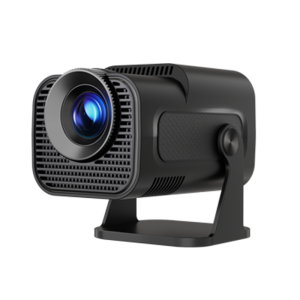
What Should I Do If Keystone Correction of HY300GT Doesn't Work?
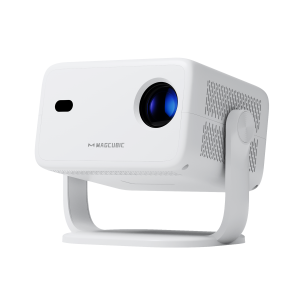
This projector supports automatic vertical keystone correction and manual horizontal adjustment.
When using auto keystone, please note that it only corrects the image vertically.
For best results, ensure the projector lens is directly facing the wall. If the image still appears distorted, follow these steps:
1.Place the projector on a flat, stable surface and make sure the lens is perpendicular to the wall for a properly squared image.
2.Go to Projector Settings > Display > Reset Keystone.
3.If needed, disable automatic keystone correction and manually adjust the image for optimal alignment.